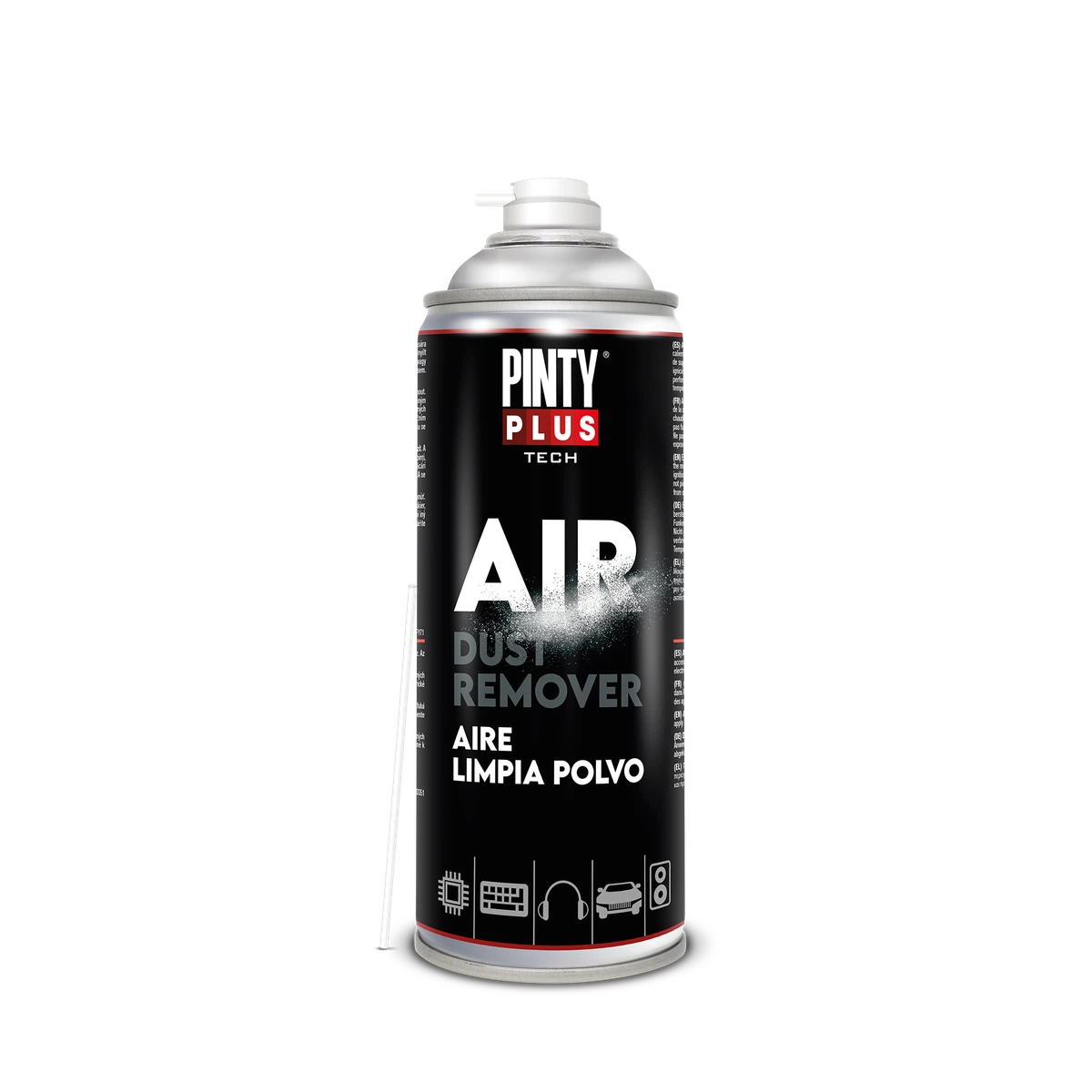
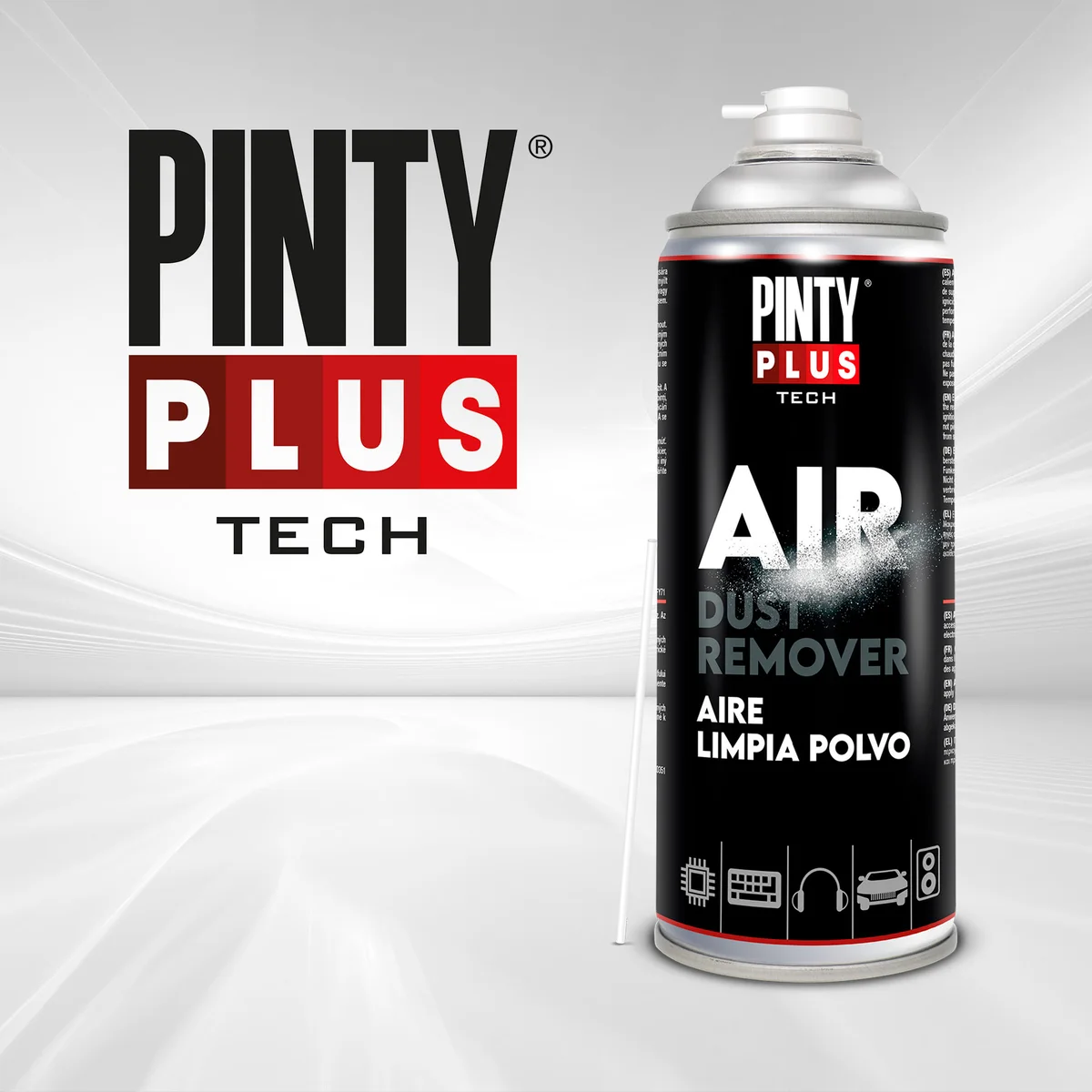
Compressed-air spray is the safest quick way to get dust out of keyboards, computer vents, cameras, remote controls, ports and other electronics, because it blows dust out without touching or wetting anything. Pintyplus Air Dust Remover is a dry, residue-free air spray for cleaning equipment that is switched off and unplugged. Use it in short bursts from about 10 cm, don’t shake the can, and keep it in its normal position rather than tipping it up or down. In Pakistan’s dust, doing this regularly keeps computers cooler and keys, buttons and ports working.
The short version
- Product: Pintyplus Air Dust Remover, 400 ml
- For: keyboards, computers, cameras, sound equipment, slots, ports and tight corners
- Before: switch off and unplug the device
- How: about 10 cm away, short bursts, start with a light press
- Don’t: shake the can, or spray with it pointing up or down
Why does dust matter so much for electronics here?
Lahore, Karachi and most Pakistani cities are dusty for much of the year, and summer dust storms and winter smog add to it. Dust builds up inside computer vents and on fans and heatsinks, where it traps heat. In a Pakistani summer, when rooms are already hot, that is how PCs and laptops end up running hot, slowing down or shutting off.
Dust also gets between keyboard keys and into the buttons of AC and TV remotes, making them stick or stop registering. Cameras pick up dust on the body and around the lens mount, and ports collect lint that stops chargers and cables seating properly.
What is Air Dust Remover and how does it work?
Pintyplus describes it as an aerosol for cleaning and removing dust and small residues from electronic devices that are not connected to power. It uses compressed air, so the clean is dry and leaves no residue, and drying is instant. The jet of air lifts dust out of gaps that a cloth can’t reach, like the spaces between keys and the slots on a laptop.
What can you clean with it?
- Desktop and laptop keyboards, including the gaps under keys
- Computer and laptop vents, cooling fans and the inside of a desktop case, with the power off and unplugged
- Cameras and camera bags, the outside of lenses and lens caps
- Speakers, mixers and other sound equipment
- USB ports, charging ports, SD card slots and headphone sockets
- AC, TV and set-top box remotes, with the batteries out
- Printers, routers and other office equipment that is switched off
What shouldn’t you spray?
- Anything switched on or plugged in. Pintyplus says to use it only on equipment that is not connected.
- The inside of UPS units, inverters and power supplies. They can hold electrical charge after they are switched off. Leave the inside of those to a technician.
- People or pets. It is for cleaning equipment only.
- Anything near a flame, heater or hot surface.
How do you use it safely, step by step?
1. Switch off and unplug
Shut the device down, unplug it, and take batteries out of remotes and wireless keyboards.
2. Work in a ventilated place
Take the device near an open window or outdoors, so the dust you blow out doesn’t just settle back on your desk.
3. Don’t shake the can
This is the opposite of a paint can. The Pintyplus catalogue says the Air Dust Remover should not be shaken.
4. Hold it the right way
Pintyplus says to always use it in a horizontal position and not to spray with the can pointing up or down. Keep the can in its normal position and move the device, not the can, to reach different angles.
5. Spray from about 10 cm, in short bursts
The catalogue gives a distance of 10 cm. Start with a light press and gradually press harder, as Pintyplus advises. Use short bursts rather than one long blast, and aim the air so the dust blows out of the device, not further in.
6. Finish with a wipe
Once the loose dust is out, wipe outer surfaces with a dry microfibre cloth.
How often should you clean?
There is no fixed rule, because it depends on how dusty your home or office is. As a practical guide, check computer vents and keyboards every month or two during the dusty months, and after any dust storm. If a PC fan is getting louder or a laptop is running hotter than usual, dust is a likely cause. For cameras, give the body and bag a quick clean after shooting outdoors in dusty conditions.
For a comparison with cloths, brushes and blowers, see our guide to air duster versus traditional cleaning.
Common questions
Why shouldn’t I shake it?
The Pintyplus catalogue says it should not be shaken. It is not a paint, so there is nothing to mix.
Will it leave moisture on my keyboard?
No. Pintyplus describes the clean as dry and residue-free.
Can I clean a camera sensor with it?
Camera sensors are delicate. Clean the camera body, the lens mount area and the outside of lenses. For the sensor itself, follow your camera maker’s instructions or use a camera technician.
How long does a can last?
It depends on how often you use it. Short bursts make it last much longer. Pintyplus lists a shelf life of 10 years.
Where to buy in Lahore and across Pakistan
Pintyplus Air Dust Remover is ₨ 3,150 for a 400 ml can. You can pick it up from our shop at Sohail Centre, LG 8, Dil Muhammad Road, Garhi Shahu, Lahore, Monday to Saturday from 8:30 AM to 10:00 PM, or order online for delivery anywhere in Pakistan.
Not sure which one you need? Send a photo on WhatsApp to 0321 999 3919 and we’ll tell you.